Get started
Create an account
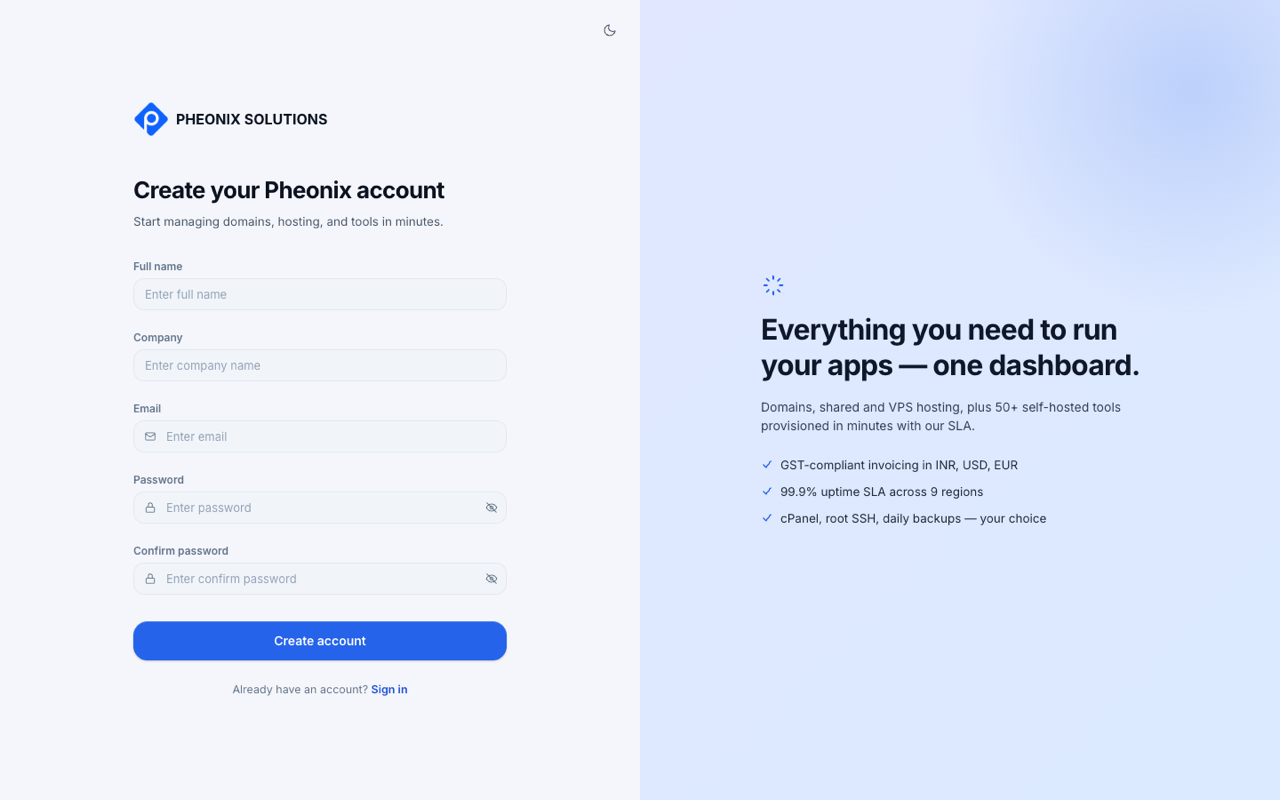
- Go to app.pheonixsolutions.com/signup, or select Create an account on the sign-in page.
- Enter your Full name, Company, Email and a Password, then type the password again in Confirm password.
- Select Create account.
- We email you a verification code. Enter it on the next screen to confirm your email address.
tip
No code? Check your spam folder. If you mistyped your email, go back to the sign-up page and start again.
Set up your profile
After you verify, a short setup guide (Get to know Pheonix) asks for:
- About you and profile basics: your name and contact number.
- Business info: your address, country, state, city and PIN or postal code.
- A quick tour of the app.
You can select Skip for now and finish later in Settings. Complete your billing address and GST details before your first purchase, because invoices use them.