Diagnostics
DNS Lookup and Advanced DNS
DNS Lookup
Go to Diagnostics → DNS Lookup. Enter a domain, or pick one from Your domains, to see every DNS record published for it along with its registration details.
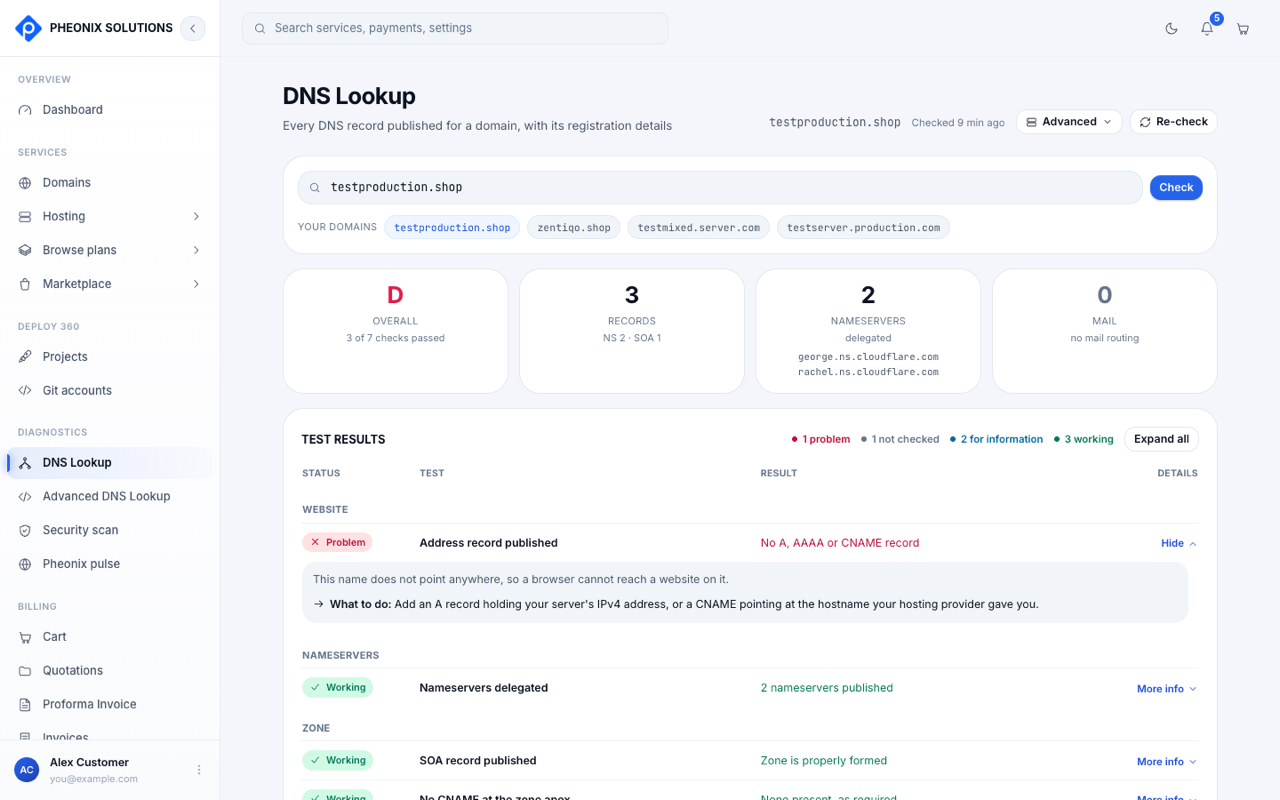
Use it to:
- check that a domain points to the right server after you change nameservers or records
- find out where a domain's email (MX records) is handled
- see when a domain was registered and when it expires
Advanced DNS Lookup
Go to Diagnostics → Advanced DNS Lookup, or select Advanced on the DNS Lookup page.
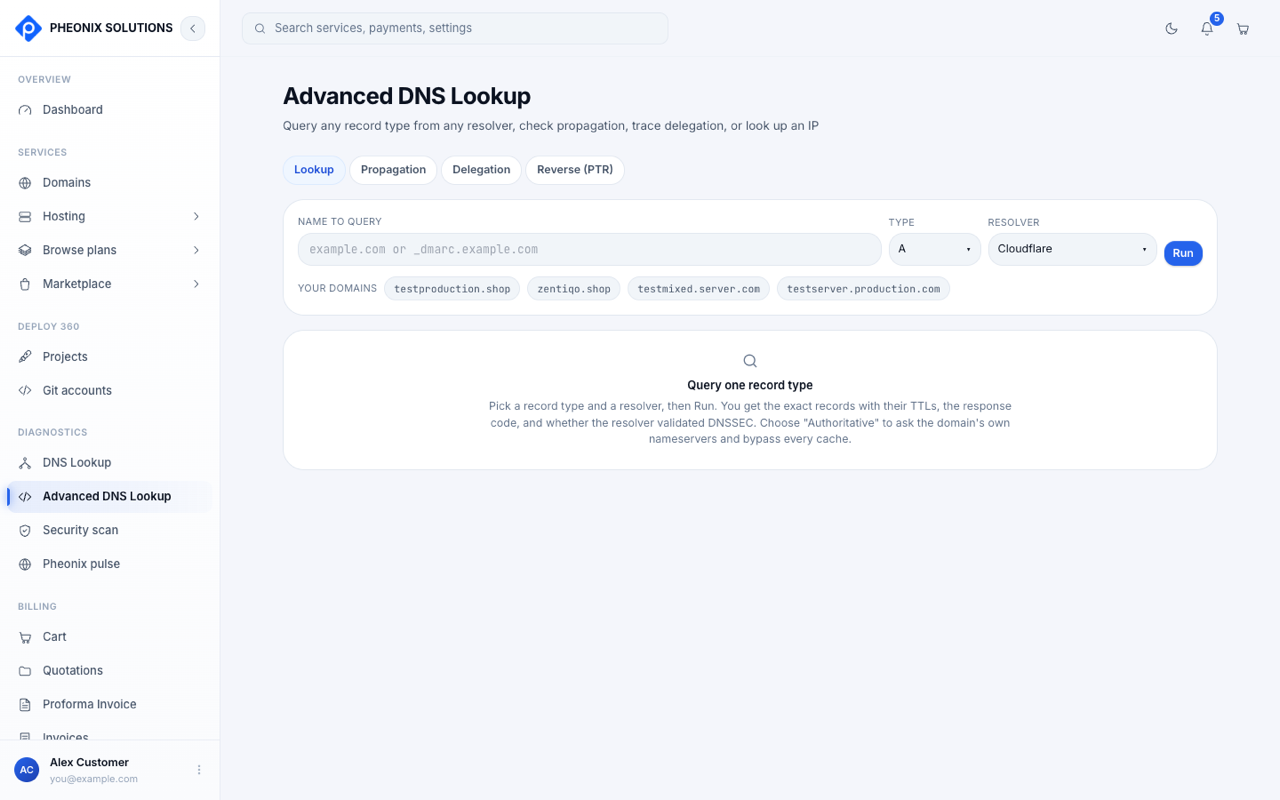
| Tab | What it does |
|---|---|
| Lookup | Query one record type (A, AAAA, MX, TXT, CNAME and so on) from a resolver you choose |
| Propagation | Check whether a change has reached resolvers around the world |
| Delegation | Trace which nameservers are responsible for the domain, step by step |
| Reverse (PTR) | Look up the hostname for an IP address |
Run a lookup
- Enter the name to query, choose the record type and the resolver (for example Cloudflare).
- Select Run.
You get the exact records with their TTLs, the response code, and whether the resolver validated DNSSEC.
tip
Choose Authoritative as the resolver to ask the domain's own nameservers directly. This skips every cache, so you see a change the moment it's made.