Billing
Cart and checkout
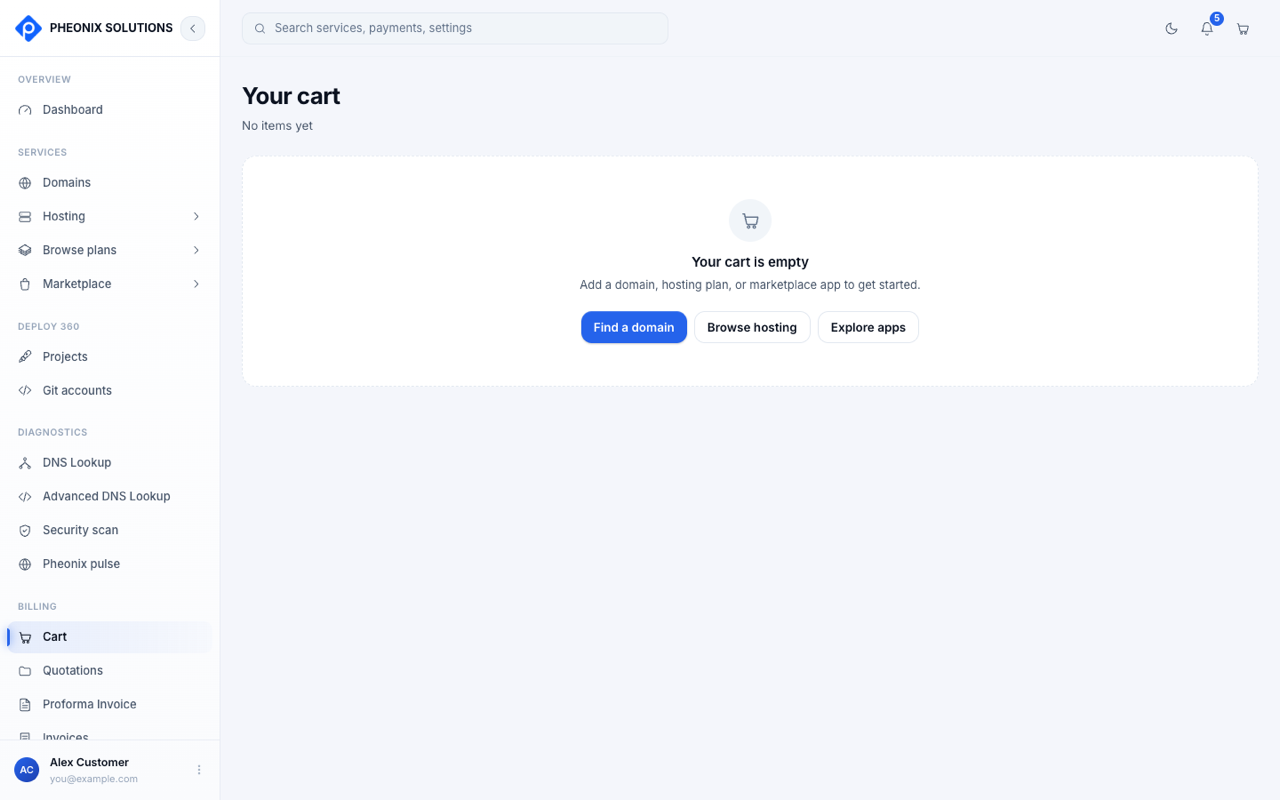
Everything you order goes into your Cart, the icon at the top right or Billing → Cart. The cart groups items into Domain registration, Hosting plans and Marketplace applications.
Check out
- Open the cart and review the items and the Order summary.
- To remove something, select Remove on that item.
- Select Proceed to checkout. You're taken to a secure payment page (Razorpay or Stripe) to pay.
- After payment, you return to the app. It shows Confirming your payment, then Payment confirmed.
- Select Download invoice to save your invoice, or go back to your services.
If payment doesn't go through
- You closed or cancelled the payment page: your cart is saved. Open it and try again.
- "Payment not confirmed": your bank may still be processing the payment. Check Billing → Payment history after a few minutes. If you've been charged but the service isn't there, contact support with the order ID.
tip
Domains in your cart are reserved for you for a short time while you check out.